
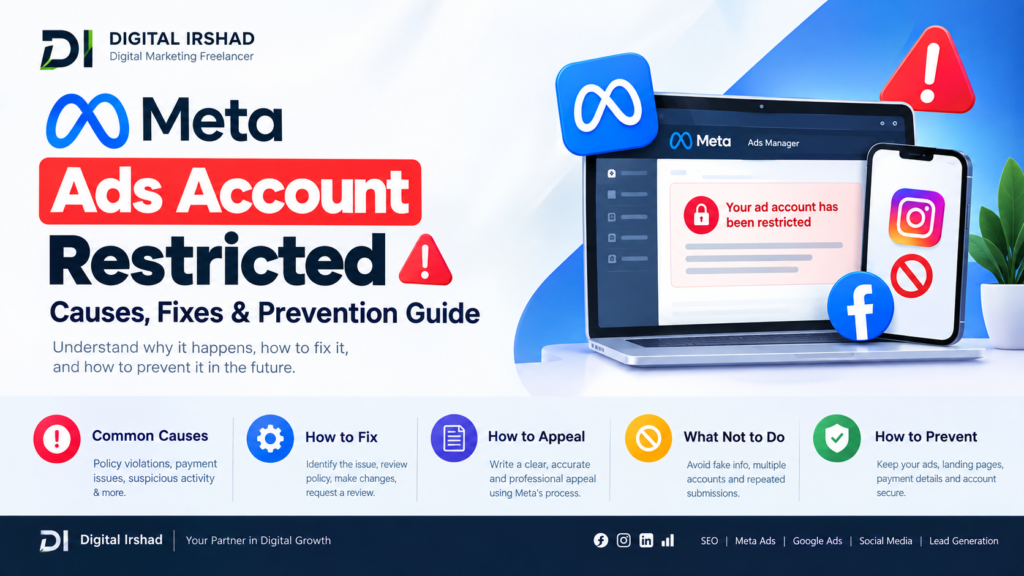
Meta Ads Account Restricted: Causes, Fixes & Prevention Guide
A Meta Ads account restricted notification can stop your Facebook or Instagram advertising campaigns from running. This can happen when Meta detects activity that may violate its advertising policies, account-quality requirements, payment rules, or security standards.
For businesses that depend on Facebook and Instagram advertising, understanding why an advertising account gets restricted is important. In many cases, the restriction can be reviewed and, if eligible, appealed through Meta’s official account-quality and support systems.
Why Is My Meta Ads Account Restricted?
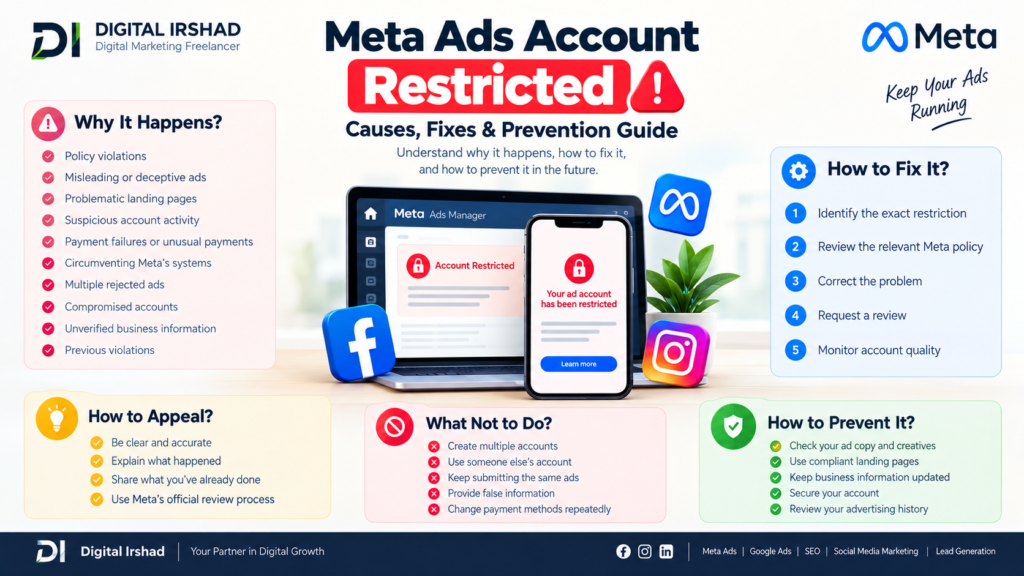
A Meta advertising account can be restricted for several reasons. Meta reviews advertiser accounts, businesses, ads, landing pages, payment activity, and other signals to determine whether advertising activity follows its policies.
Common reasons include:
- Repeated advertising policy violations
- Misleading or deceptive advertising claims
- Problematic landing pages
- Suspicious account activity
- Payment failures or unusual payment activity
- Circumventing Meta’s advertising systems
- Multiple rejected ads
- Compromised Facebook or Business accounts
- Business information that requires verification
- Previous violations associated with an advertising account
A single rejected advertisement does not always mean the entire advertising account will be restricted. However, repeated or serious violations can result in stronger enforcement.
Meta Ads Account Restricted Because of Policy Violations
One of the most common causes is a violation of Meta’s advertising policies.
Examples can include advertisements containing misleading claims, prohibited products or services, inappropriate targeting practices, or landing pages that do not meet Meta’s requirements.
Before submitting an appeal, review the rejected ads and identify exactly which policy Meta has referenced. Making the same changes repeatedly without understanding the underlying issue may not resolve the restriction.
Meta Ads Account Restricted After Multiple Ad Rejections
Multiple rejected ads can sometimes contribute to advertising-account enforcement.
If several advertisements are rejected, do not immediately create new versions of the same advertisement and continue submitting them. Instead:
- Check the rejection reason.
- Review the relevant Meta advertising policy.
- Examine the ad copy, creative and targeting.
- Check the destination website or landing page.
- Correct the underlying issue.
- Request a review when you believe the enforcement was incorrect.
Keeping a record of rejected advertisements can also help identify patterns in your account.
Meta Ads Account Restricted Due to Payment Problems
Payment-related problems can affect advertising delivery and account status.
Check whether:
- Your payment method is valid.
- Your card has sufficient funds.
- Your billing information is accurate.
- There are outstanding balances.
- Your bank has declined a transaction.
- Your payment method has been flagged or requires verification.
Do not repeatedly add unrelated payment methods if you suspect a security or billing issue. First determine whether Meta is requesting additional verification.
Meta Ads Account Restricted Due to Suspicious Activity
Security-related activity can also trigger restrictions.
For example, unusual login activity, unfamiliar devices, compromised profiles, or unexpected changes to Business Manager settings can create security concerns.
Secure the associated Facebook account and review:
- Active login sessions
- Administrators
- Business Manager users
- Connected payment methods
- Ad account permissions
- Two-factor authentication
- Recent account changes
If you believe your account has been compromised, securing the account should come before launching another advertising campaign.
How to Fix a Meta Ads Account Restricted Issue
The correct solution depends on the reason shown in your account.
Start by opening the relevant account-quality or restriction notification inside Meta. Read the specific reason rather than relying only on the notification headline.
Then:
1. Identify the Exact Restriction
Determine whether the restriction applies to the ad, advertising account, Business Manager, Facebook profile, payment method, or another asset.
2. Review the Relevant Meta Policy
Compare the rejected advertisement and destination page with the policy mentioned in the enforcement notice.
3. Correct the Problem
Remove or modify content that genuinely violates the applicable policy. If the issue concerns payment or verification, complete the requested account process.
4. Request a Review
If you believe the restriction was applied incorrectly, use the review option provided by Meta.
Avoid submitting inaccurate information or creating misleading documentation during the review process.
5. Monitor Account Quality
After submitting a review, monitor the account-quality area and notifications for updates.
How to Appeal a Restricted Meta Ads Account
If Meta provides an appeal or review option, use the official process associated with the affected account.
A useful appeal should be:
- Clear
- Accurate
- Specific
- Professional
- Based on the actual issue
Explain what happened and what you have already done to address the problem. If you believe the enforcement was incorrect, explain why using factual information rather than repeatedly submitting identical appeals.
What Not to Do After Meta Ads Account Restriction
Trying to bypass an enforcement action can create additional problems.
Avoid:
- Creating multiple accounts to bypass restrictions
- Using another person’s account without authorization
- Repeatedly submitting identical advertisements
- Providing false business information
- Uploading misleading documents
- Repeatedly changing payment methods without identifying the problem
- Attempting to circumvent Meta’s enforcement systems
The better approach is to identify the underlying issue and use Meta’s available review process.
How to Prevent Meta Ads Account Restrictions
Prevention starts with maintaining a compliant advertising setup.
Before launching campaigns, check your:
- Ad copy
- Images and videos
- Landing pages
- Business information
- Payment details
- Targeting
- Domain
- Account security
- Advertising history
Your website should also clearly communicate what your business offers. Important information such as pricing, contact details, product or service information, and relevant policies should be easy for visitors to find.
Meta Ads Account Restricted for Small Businesses
Small businesses often depend heavily on Facebook and Instagram advertising to generate leads and sales. A sudden restriction can therefore affect campaign performance and lead generation.
Businesses should maintain access to their website, customer data and other marketing channels rather than depending entirely on one advertising platform.
Keeping proper business documentation and maintaining secure administrator access can also make account-management issues easier to resolve.
Meta Ads Account Restricted: When Should You Contact Support?
Consider contacting Meta support when:
- The restriction reason is unclear.
- You believe enforcement was incorrect.
- You cannot access the relevant review option.
- Your business verification requires assistance.
- A payment or security issue cannot be resolved through the available settings.
Use Meta’s official support and review channels whenever possible.
Frequently Asked Questions About Meta Ads Account Restrictions
Can a restricted Meta Ads account be recovered?
Some restrictions can be reviewed and potentially removed, depending on the reason for enforcement and the outcome of Meta’s review. Recovery is not guaranteed.
How long does a Meta advertising restriction last?
There is no universal timeframe. The duration can depend on the type of enforcement, account status, review process, and other circumstances.
Can I create another Meta Ads account after a restriction?
Creating another account specifically to bypass an existing restriction can create additional policy problems. It is better to resolve the original enforcement through Meta’s available review process.
Does a rejected ad automatically restrict the advertising account?
Not necessarily. An individual rejected advertisement and an advertising-account restriction are different enforcement actions. However, repeated or serious violations can lead to stronger enforcement.
What should I check first when my Meta Ads account is restricted?
Start with the exact notification in Meta’s account-quality or business-management interface. Identify which asset is restricted and the reason provided before taking further action.
Final Thoughts on Meta Ads Account Restrictions
A Meta Ads account restricted notification should be treated as an account-management and compliance issue rather than something to bypass.
Identify the reason, review the applicable policy, correct genuine issues, secure the account if necessary, and use Meta’s official review process when you believe the restriction is incorrect.
For businesses running paid campaigns, maintaining compliant advertisements, secure account access, accurate business information and reliable landing pages can reduce the risk of future advertising disruptions.
Choosing the right A Meta Ads account restriction can interrupt campaigns, leads, and sales, but the best response is to understand the actual reason instead of trying to bypass the restriction. Review the policy notice, check your ads, landing pages, payment details, account security, and business information, then use Meta’s official review process when appropriate.
Digital Irshad Shah helps businesses manage digital marketing activities such as Meta Ads, Google Ads, SEO, Performance Marketing, Social Media Marketing, and Lead Generation with a practical and compliance-focused approach. If your advertising account is restricted, identifying the underlying issue and maintaining a properly managed advertising setup can help reduce future campaign disruptions.Digital Marketing Freelancer in Mumbai can make a meaningful difference to how a business builds visibility, attracts relevant customers, and generates enquiries online.
Digital Irshad Shah, based in Sakinaka, Mumbai, provides practical digital marketing services including SEO, Local SEO, Google Ads, Meta Ads, Performance Marketing, Social Media Marketing, Lead Generation, Website Strategy, Website Development, and Google Business Profile Optimization. The focus is on understanding each business, selecting the right channels, and building a strategy around measurable goals rather than simply increasing traffic or posting more content. For startups, SMEs, local businesses, and growing brands across Mumbai, Digital Irshad Shah offers a focused approach to building a stronger and more consistent digital presence.